
MOBILE REPERTORY & REFERENCE LIBRARY
Meet OpusGo.
Your library,
on the go.
Repertory research, materia medica reading and saved case work, together on your phone or tablet.
By Zeus Soft · iOS & Android · Free core access
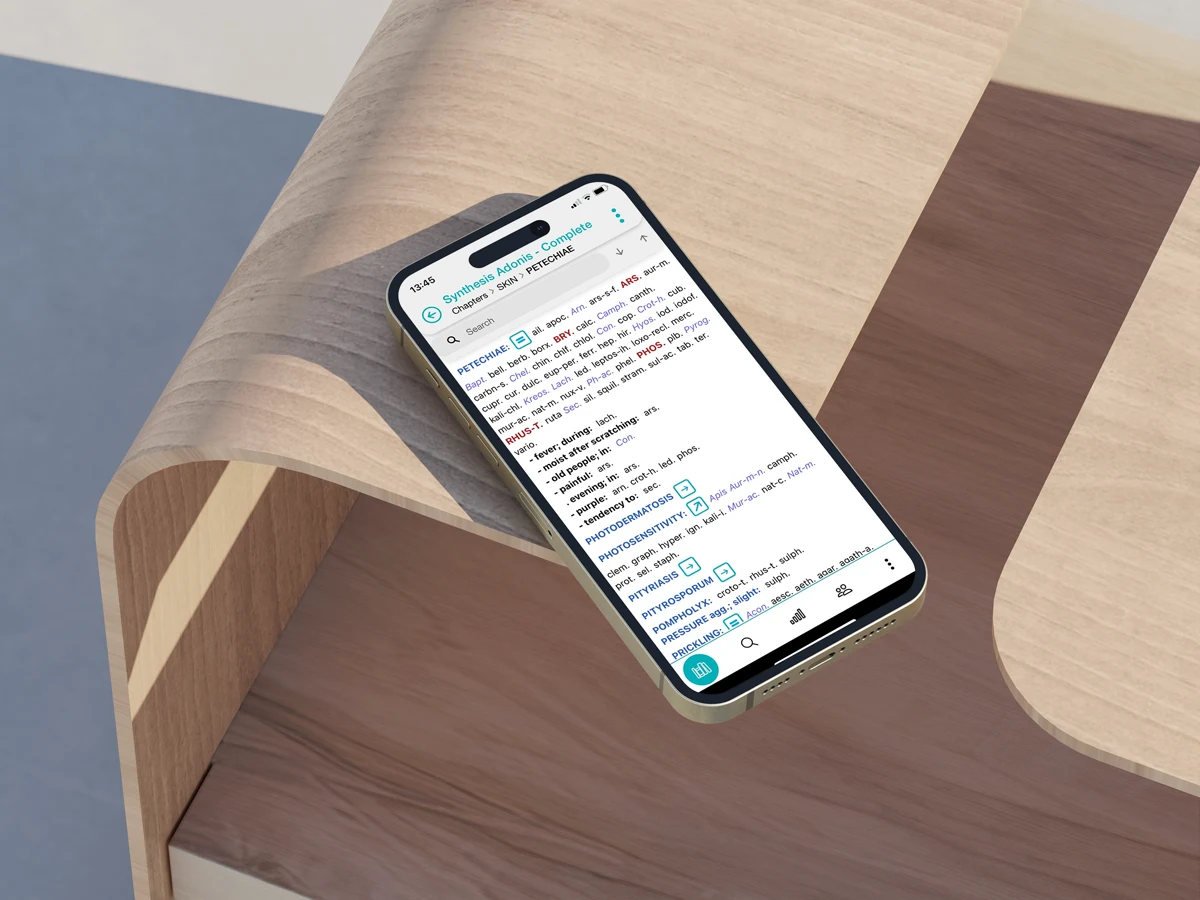
SMALL SCREEN. USEFUL TOOLS.
Keep your reference work close.
Move between repertory browsing, reference reading and your saved analyses.
Search & analyse
Browse repertory chapters, search for words or remedies, and bring rubrics into a clipboard for analysis.
Explore repertory toolsRead & compare
Consult materia medica and reference texts inside the app, moving between documents as you study.
Explore the reference librarySave & revisit
Keep analyses with patient records so you can return to your case work and review it later.
Explore patient recordsCHOOSE YOUR LIBRARY
Start free. Add more when you need it.
A place to begin
The English free library includes:
- Kent’s Repertory
- Boericke’s Materia Medica
- The Organon
- Kent’s Lectures
Use the app’s analysis, reference and patient tools with the included library.
Room to explore further
The Premium Bundle expands the repertory and reference library, including Synthesis editions. Specialist add-ons, such as Synthesis Adonis, require Premium.
Available documents depend on language. Check the official site for current inclusions, local pricing and subscription terms.
Compare plans & documentsFROM PHONE TO DESKTOP
Continue in RadarOpus.
Export a case from OpusGo and import it into RadarOpus when you want to continue your analysis on a larger screen.
See the official export guideExplore RadarOpus packages and find the right starting point.
Explore RadarOpusFOR EXISTING USERS
Coming from the Synthesis App?
Radar UK no longer sells the former Synthesis App. The developer has also withdrawn it from the app stores.
Can I keep using my installed Synthesis App?
Zeus Soft says installed copies may continue to work. If you delete the app, you cannot download it again from the stores. Check the developer’s guidance before changing devices or removing your installation.
Read the existing-user guidanceWhat about my old purchase or moving to OpusGo?
For advice specific to your existing purchase, account or case files, use the official Zeus Soft helpdesk.
Visit OpusGo helpTAKE A CLOSER LOOK
Try OpusGo for yourself.
Download from the official app stores. Explore the free library, then choose whether to expand it.
Get to know the app
Watch official tutorials Visit opusgo.appDownloads and subscriptions are provided through the official OpusGo channels.